
This guide will walk you through the process of adding an account to Gmail
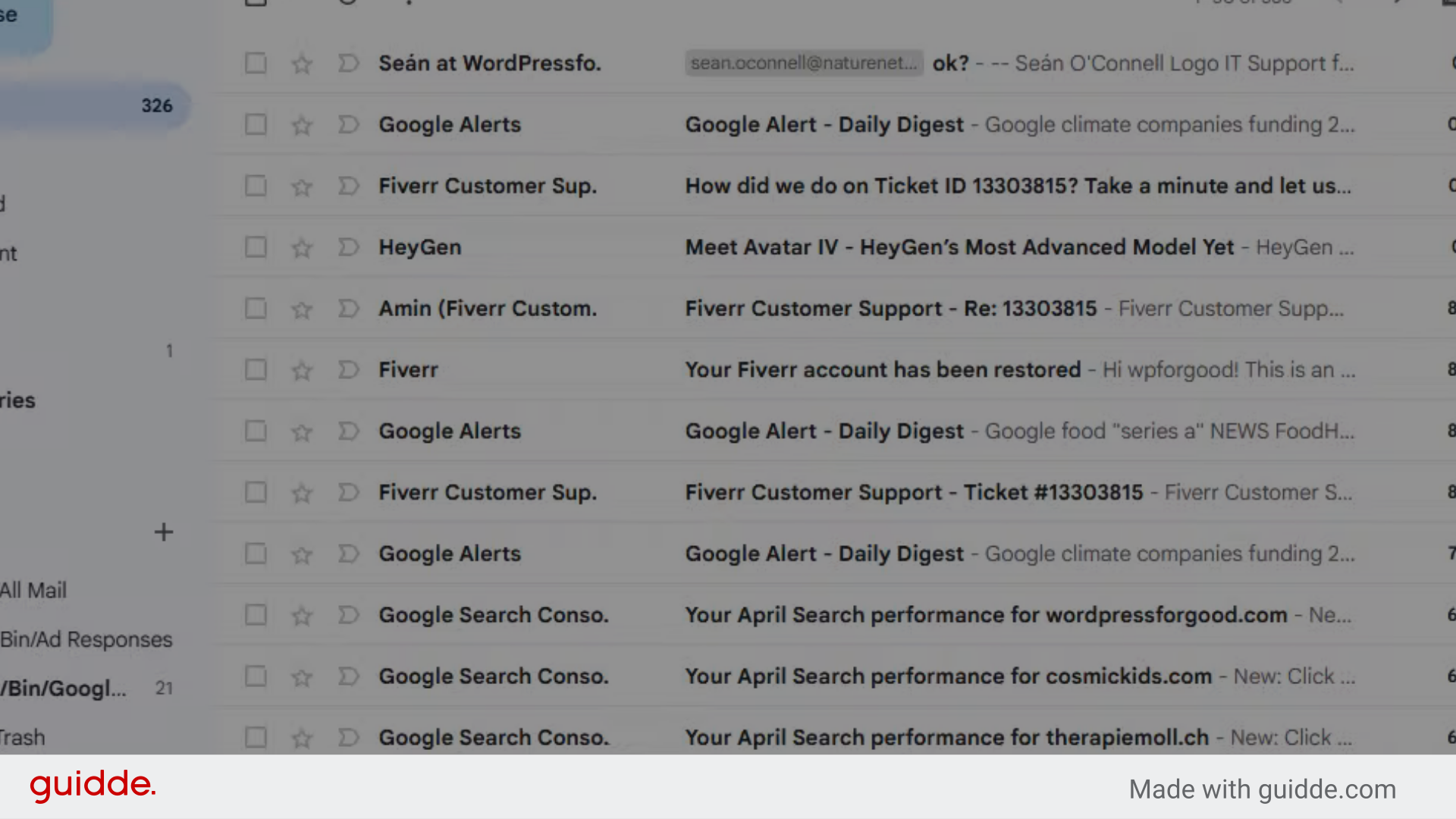
Go to mail.google.com
1. Introduction
By following these instructions, you will seamlessly integrate a new email account, enhancing your email management within the platform.
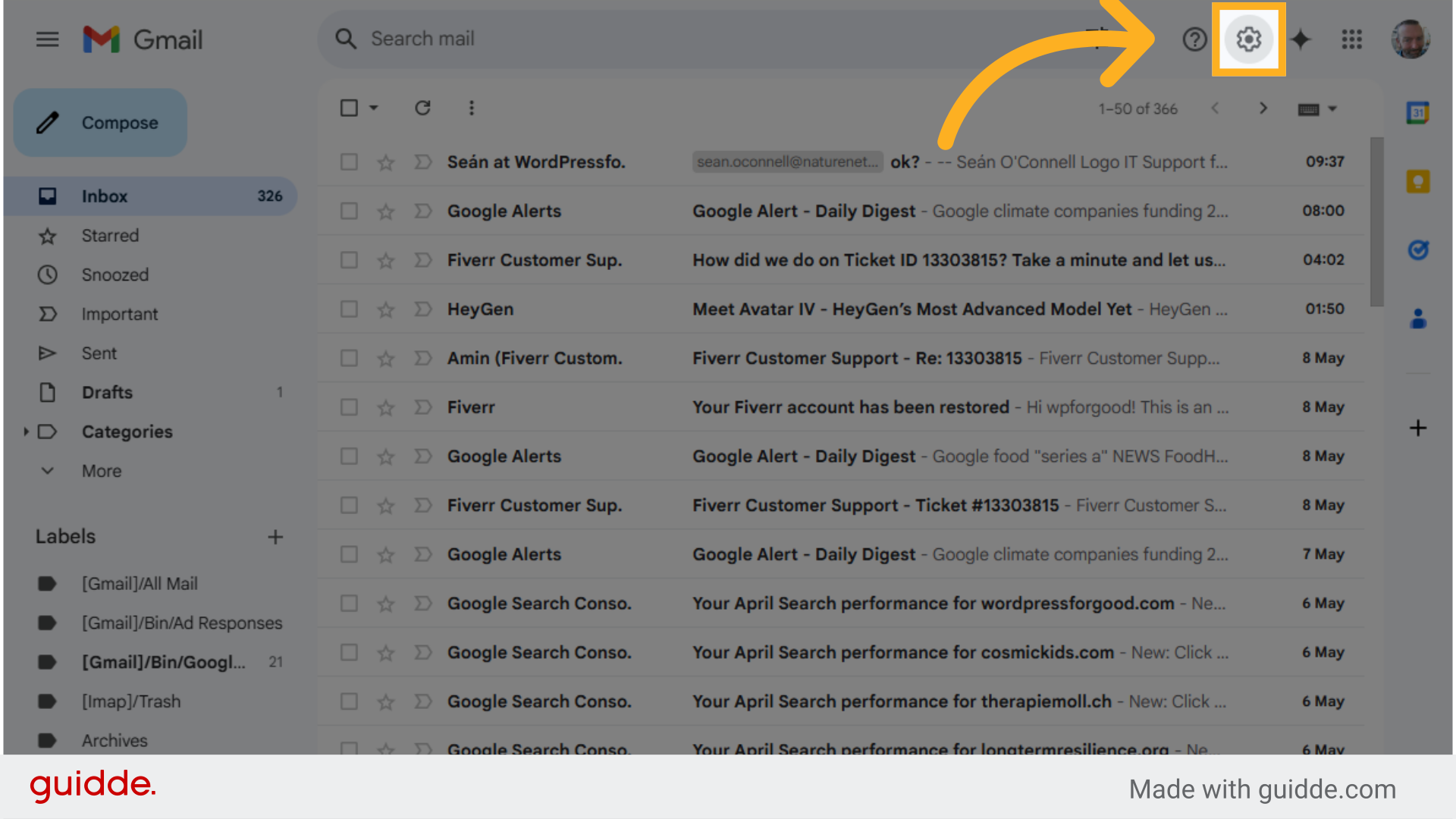
2. Click here on the Settings cog.
Click on the designated area.
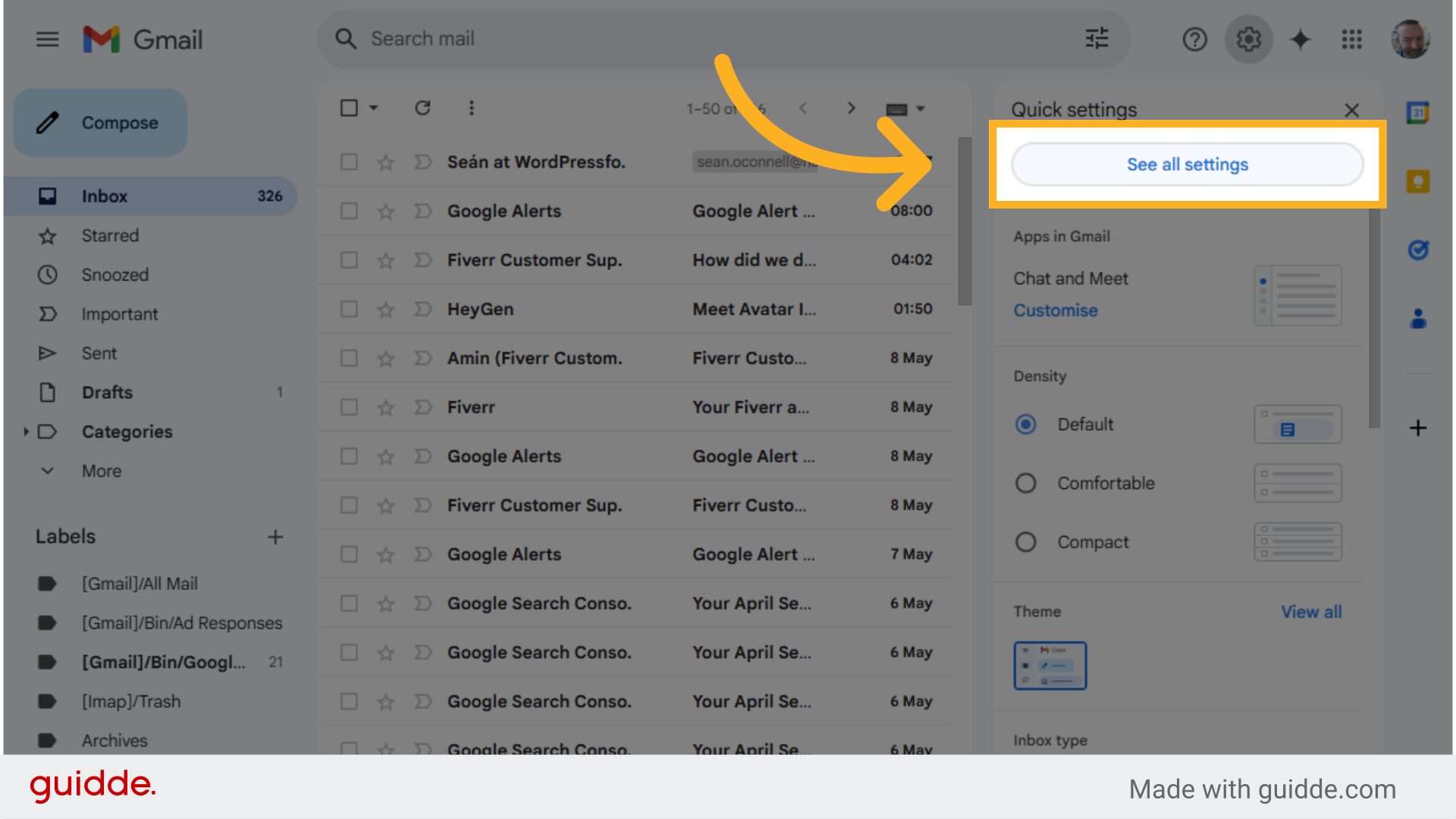
3. Click “See all settings”
Access the “See all settings” option.
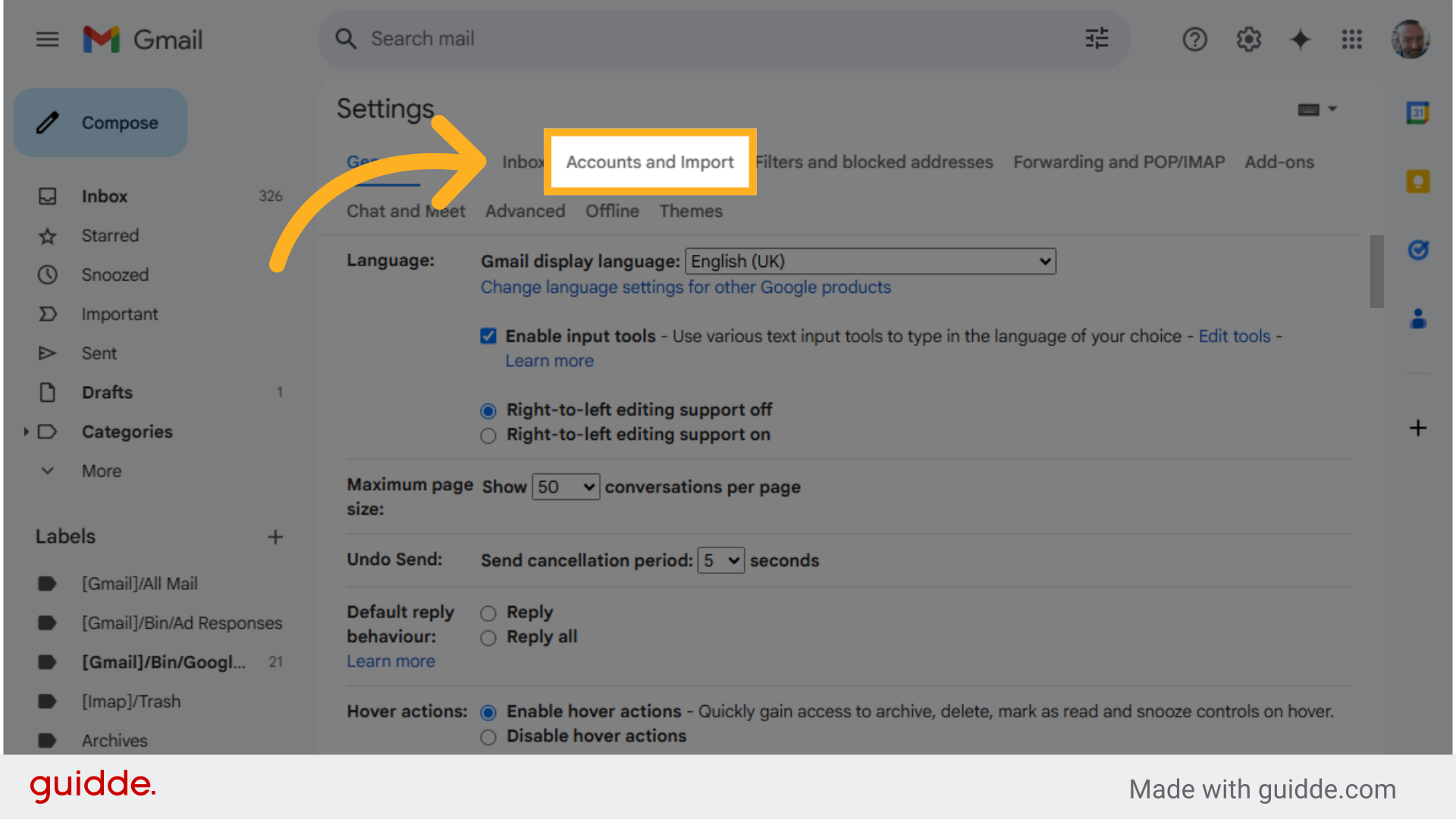
4. Click “Accounts and Import” tab
Navigate to “Accounts and Import” section.
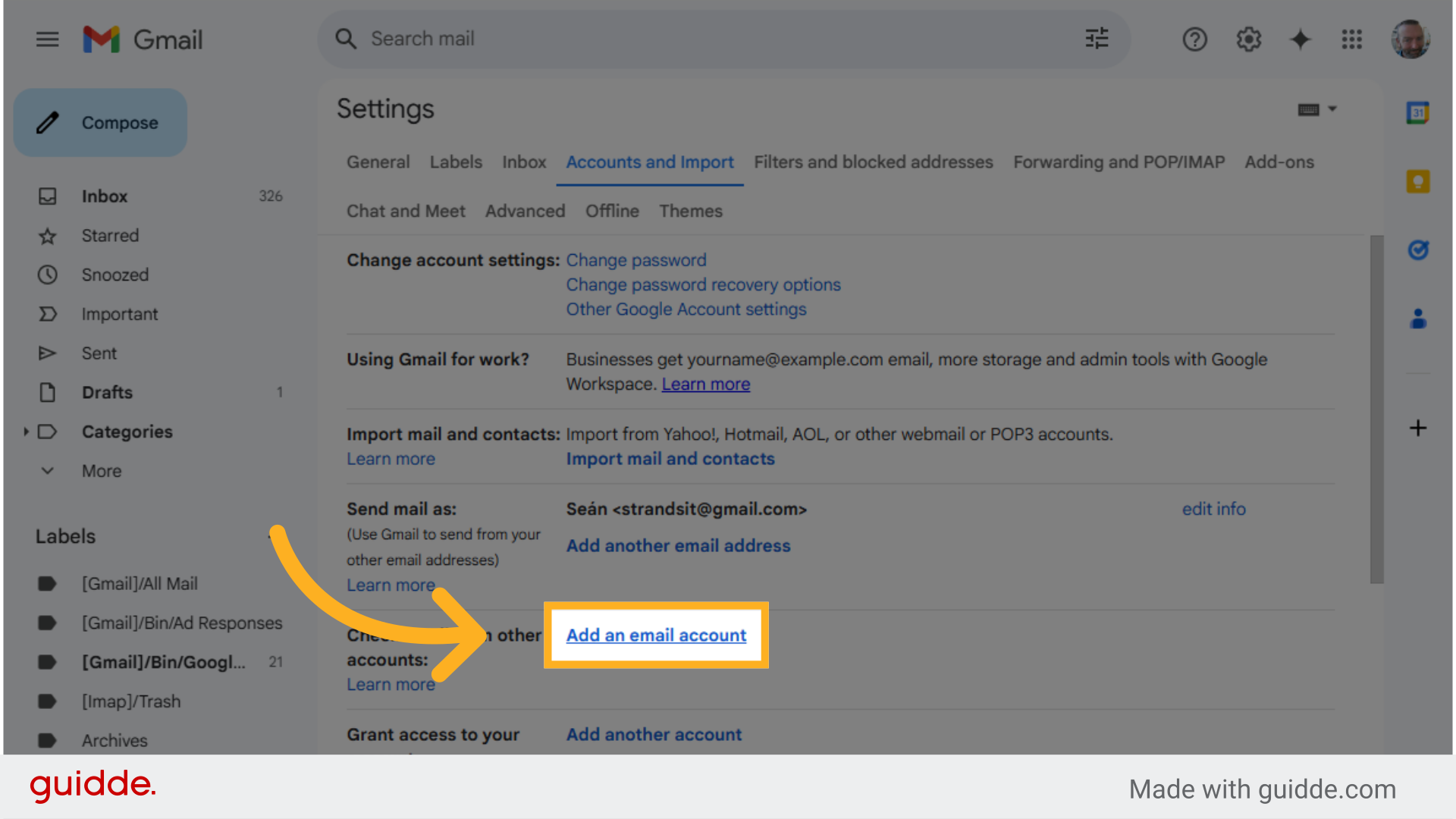
5. Scroll to “Check email from other accounts:” Click “Add an email account”
Select “Add an email account” option.
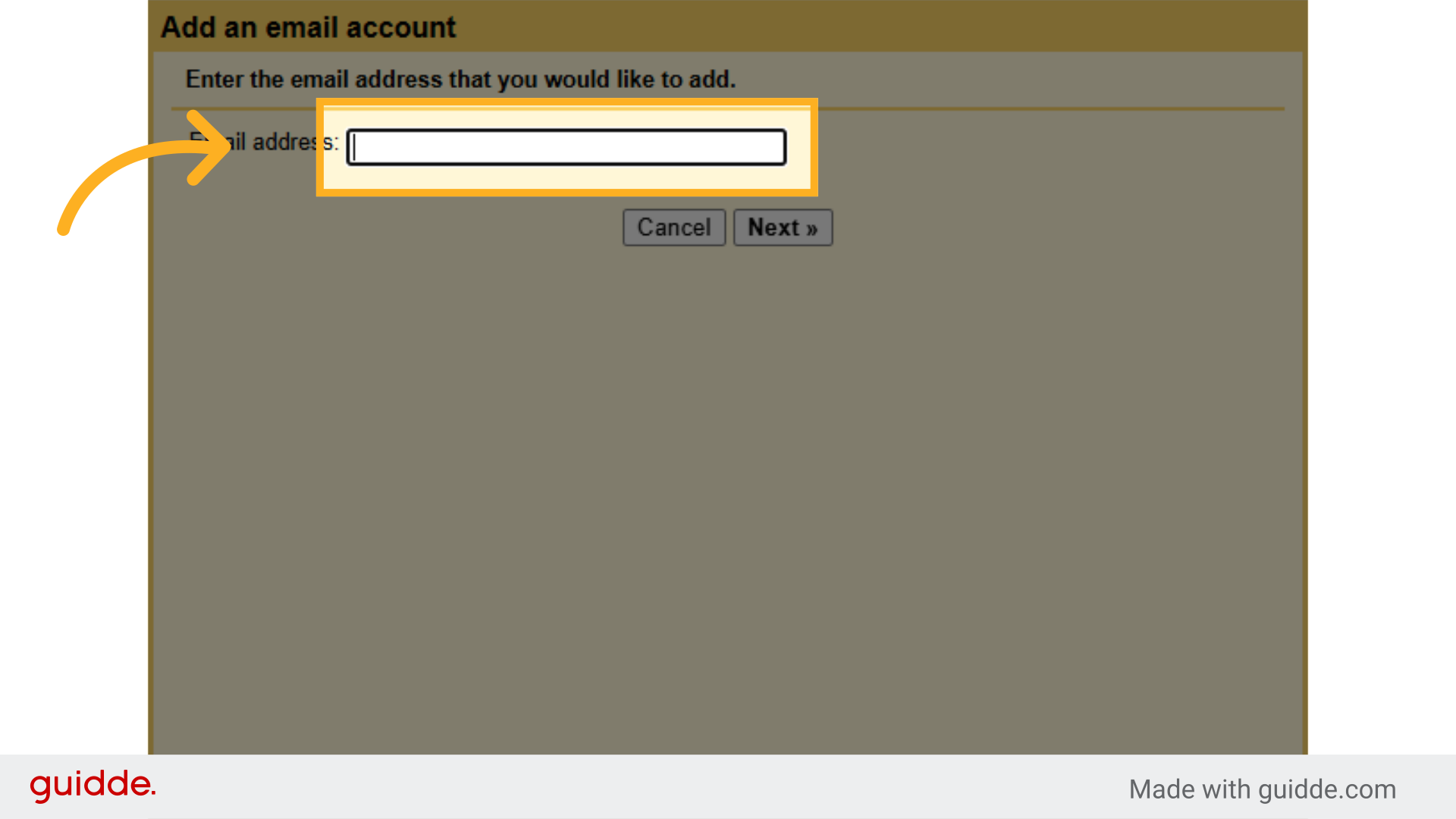
6. Click “Email address:”
Choose the “Email address” field.
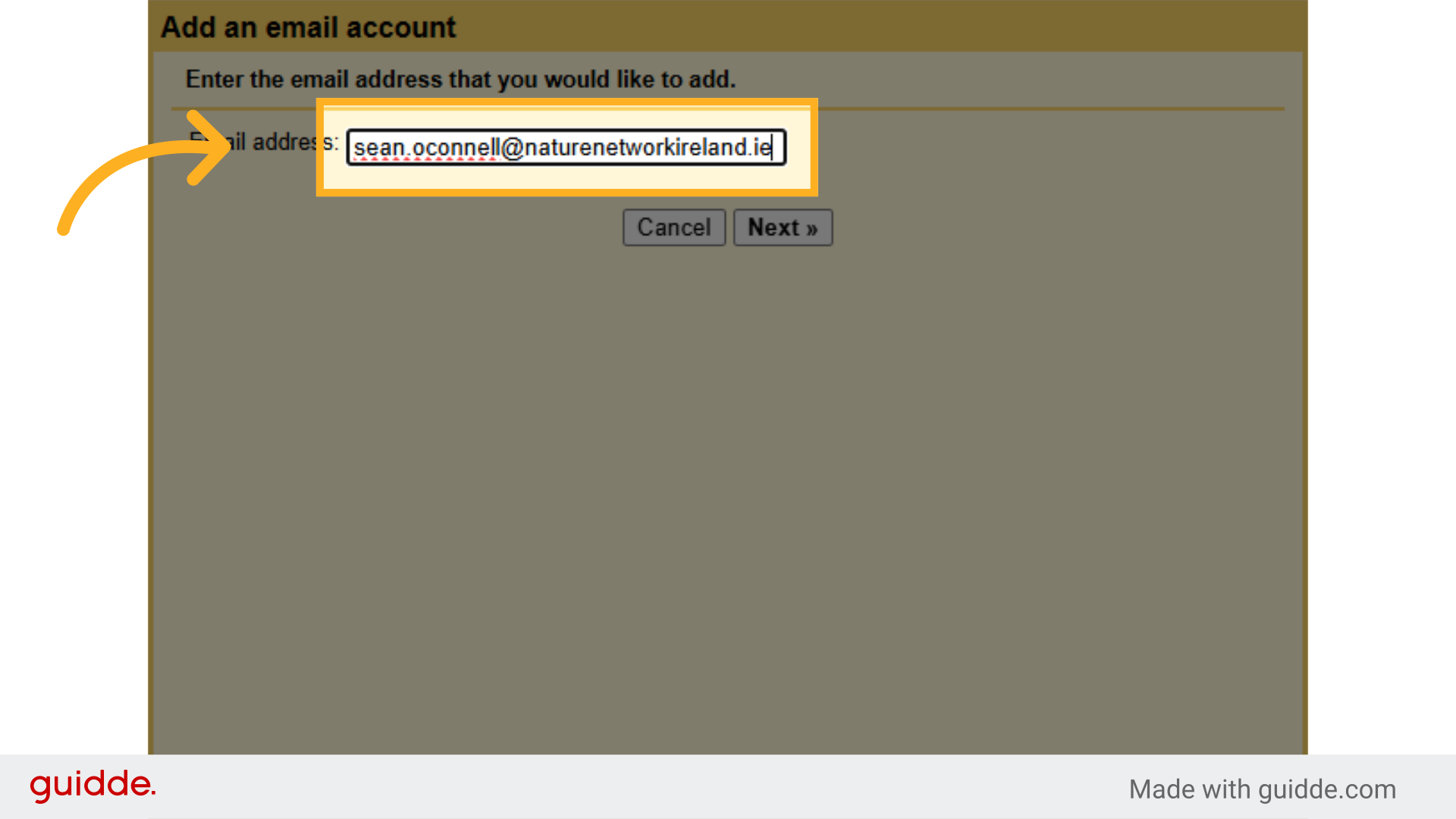
7. Type your naturenetworkireland.ie email address in full
e.g. @naturenetworkireland.ie
Enter “sean.oconnell@naturenetworkireland.ie”.
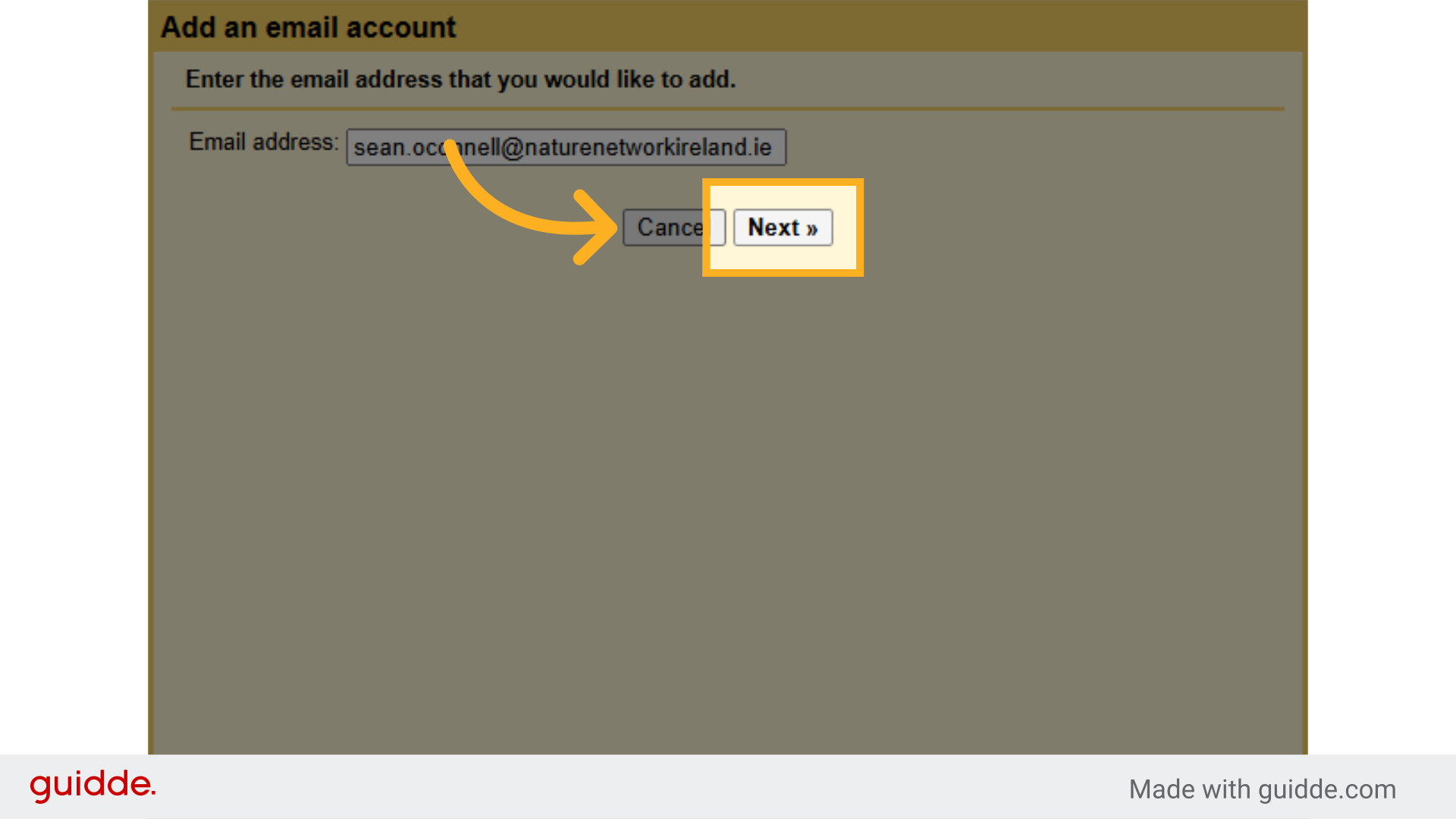
 8. Click “Next »”
Proceed by clicking on “Next »”.
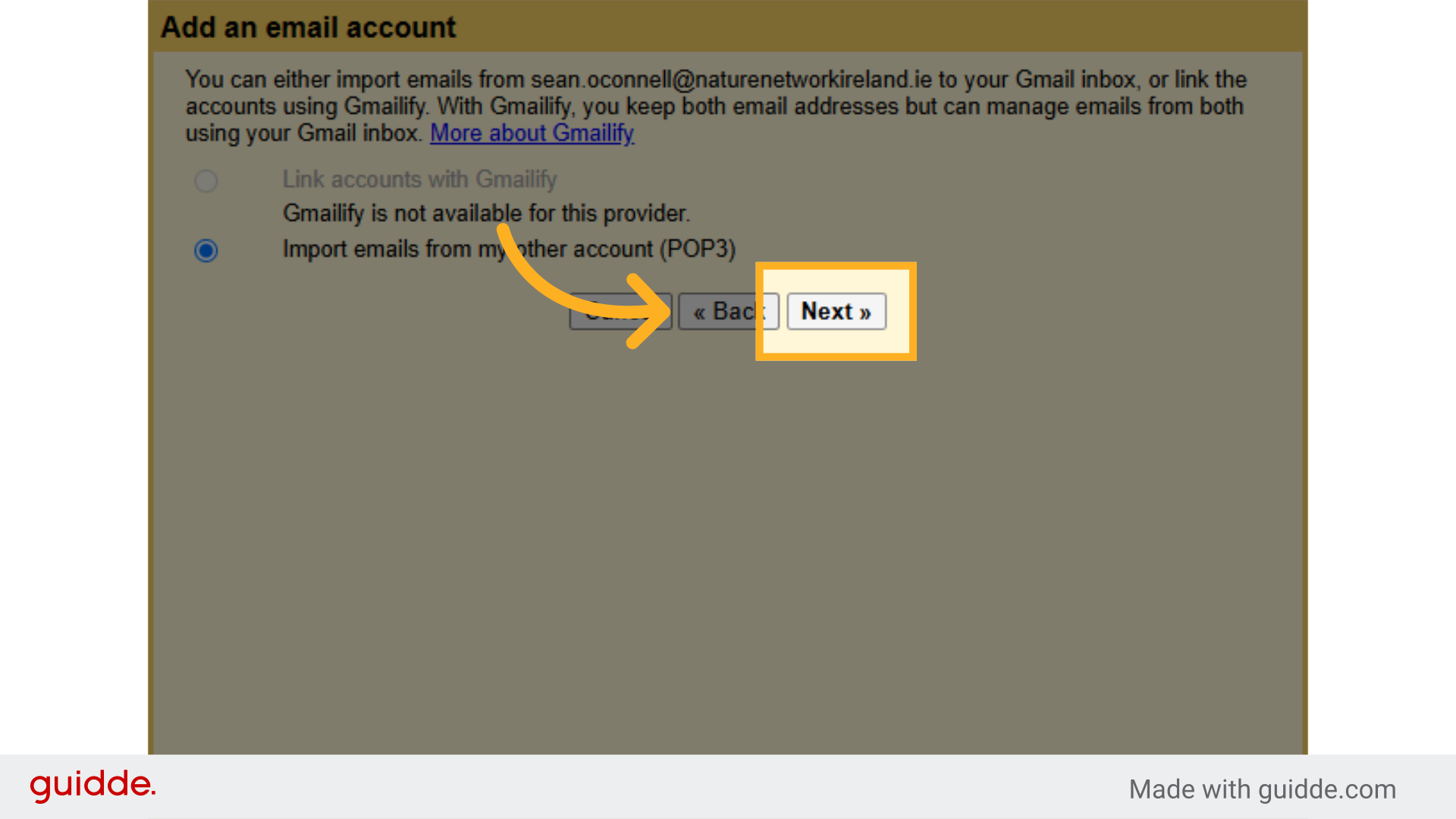
9. Select POP3 and Click “Next »”
Move forward by selecting “Next »”.
10. Click in “Username:”
Choose the “Username” field.
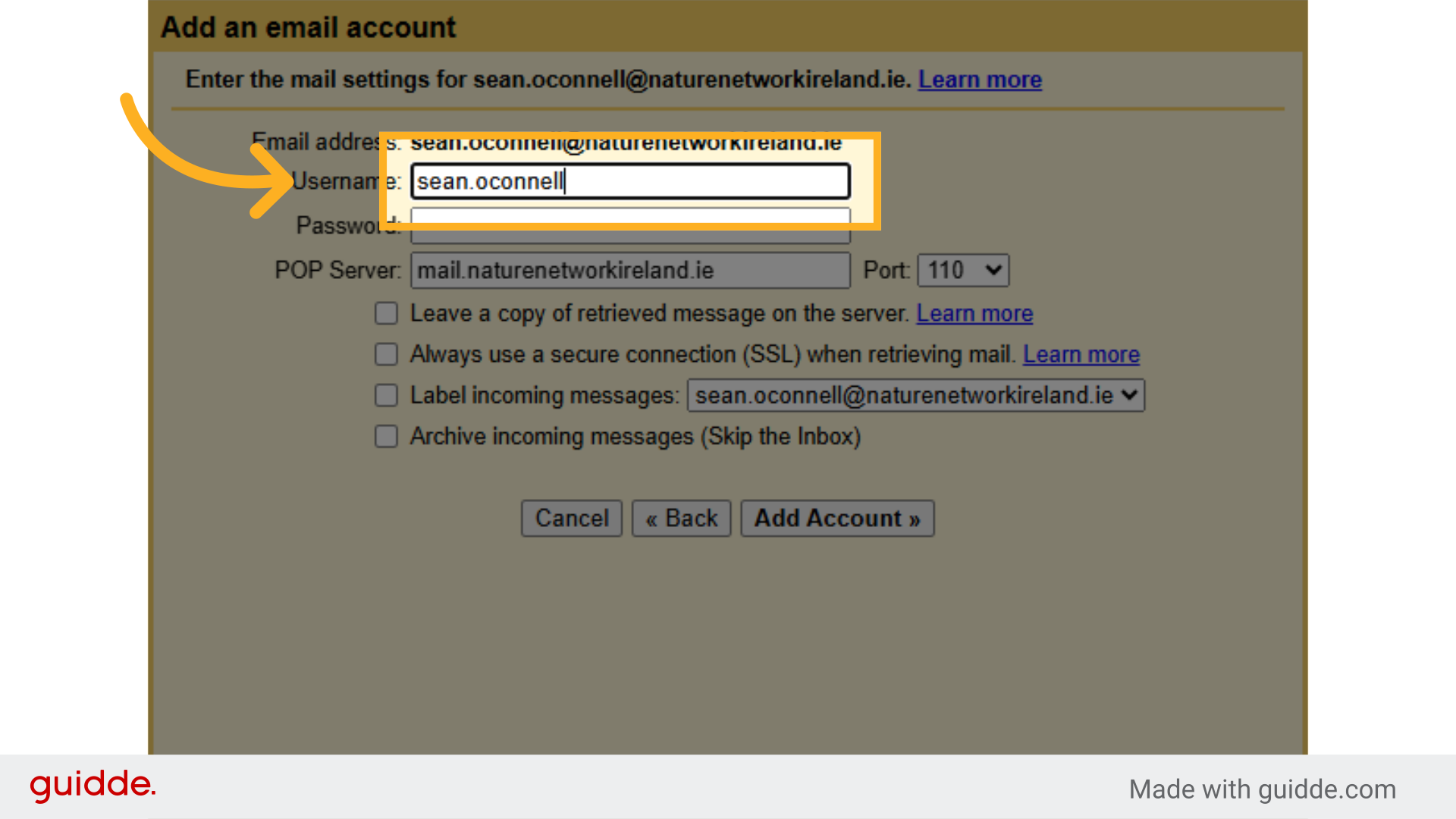
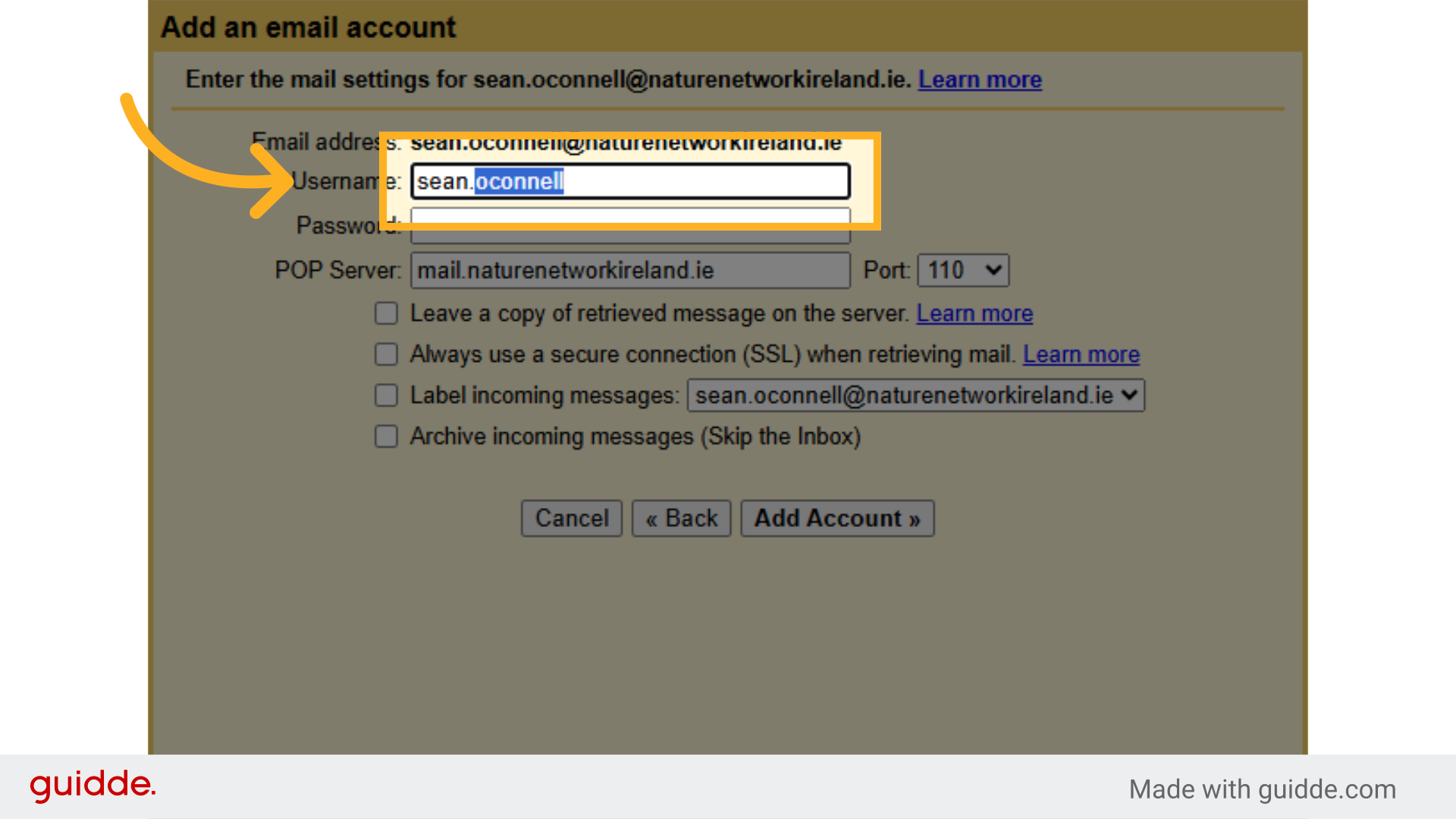
11. Type your full email address again as the “Username:”
Navigate to the “Username” field.
12. Click in “Password:”
Select the “Password” field.
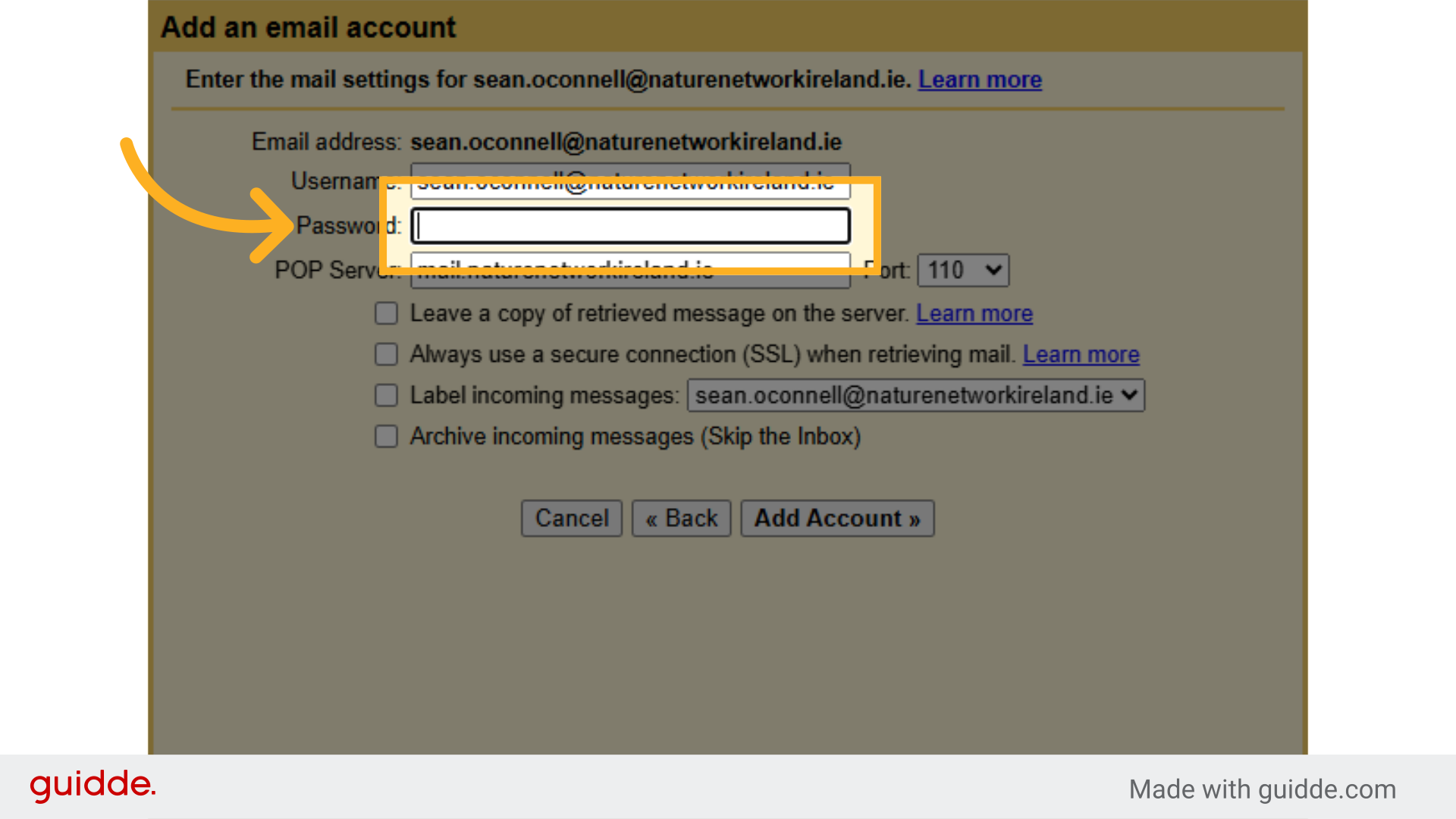
13. Fill in your “[password]”
Enter the password.
![Fill in your '[password]'](https://static.guidde.com/v0/qg%2Fq0EhUMs4ZpSSEGrDxCsUnqtv6UW2%2FpeLQpX9mUmWh4NqyDmFyt3%2FxwQqPUjfN41kqQbkXCoafh_doc.png?alt=media&token=1b6e4d0e-401d-499e-845c-f8911c3fa275)
14. Click on “Port”
Select the specified option.
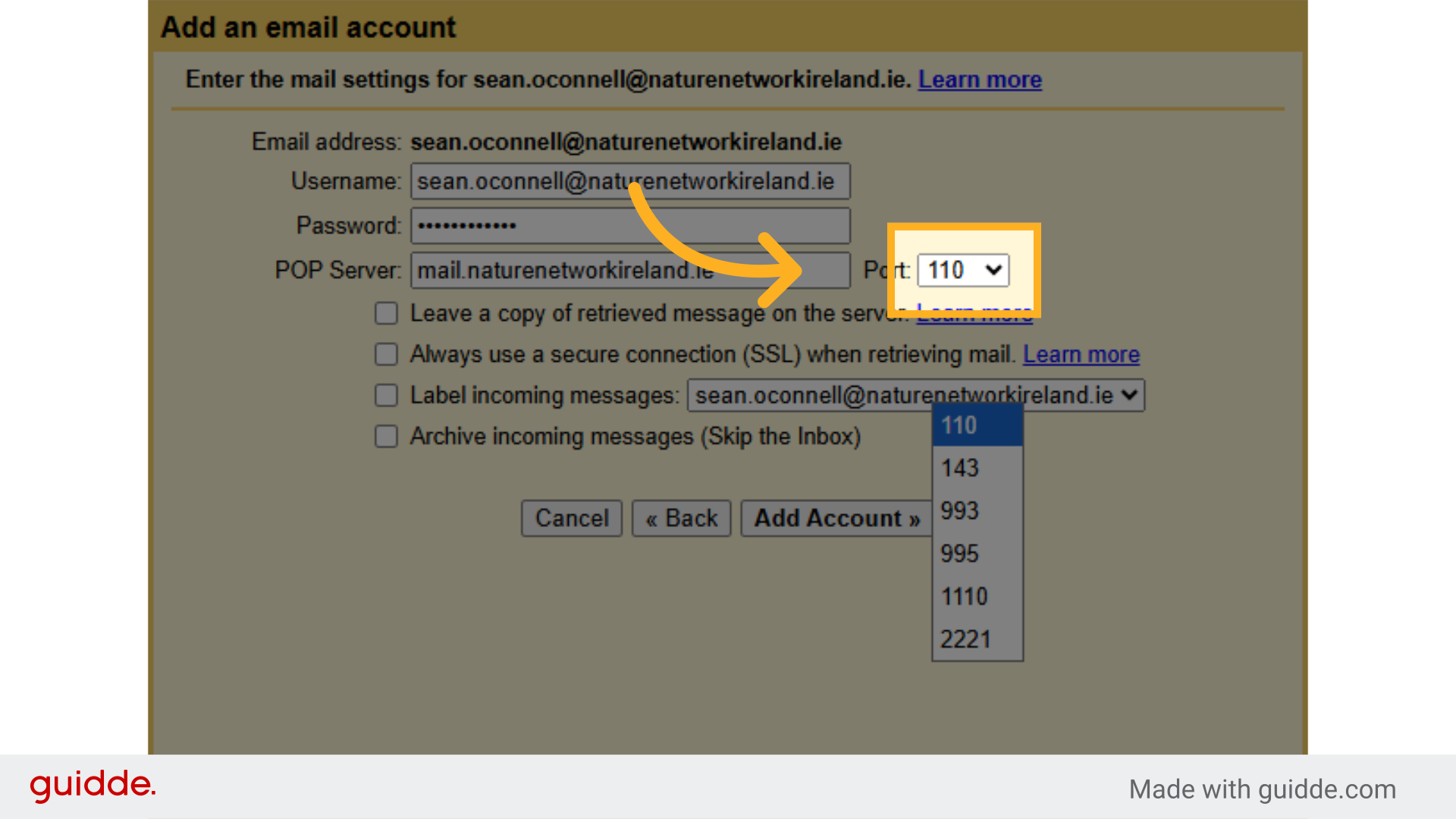
15. Select 995
Enter “11014399399511102221”.
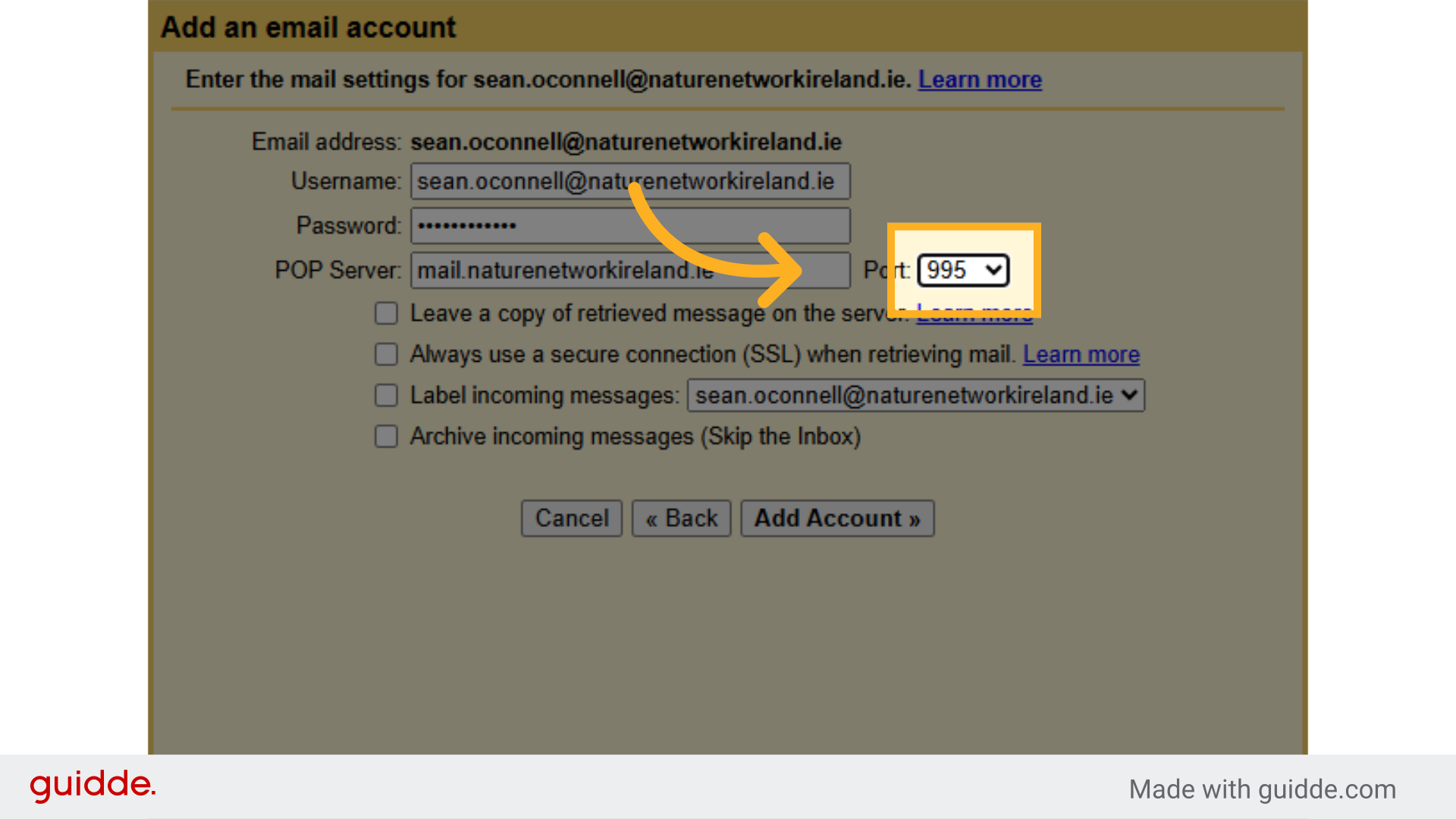
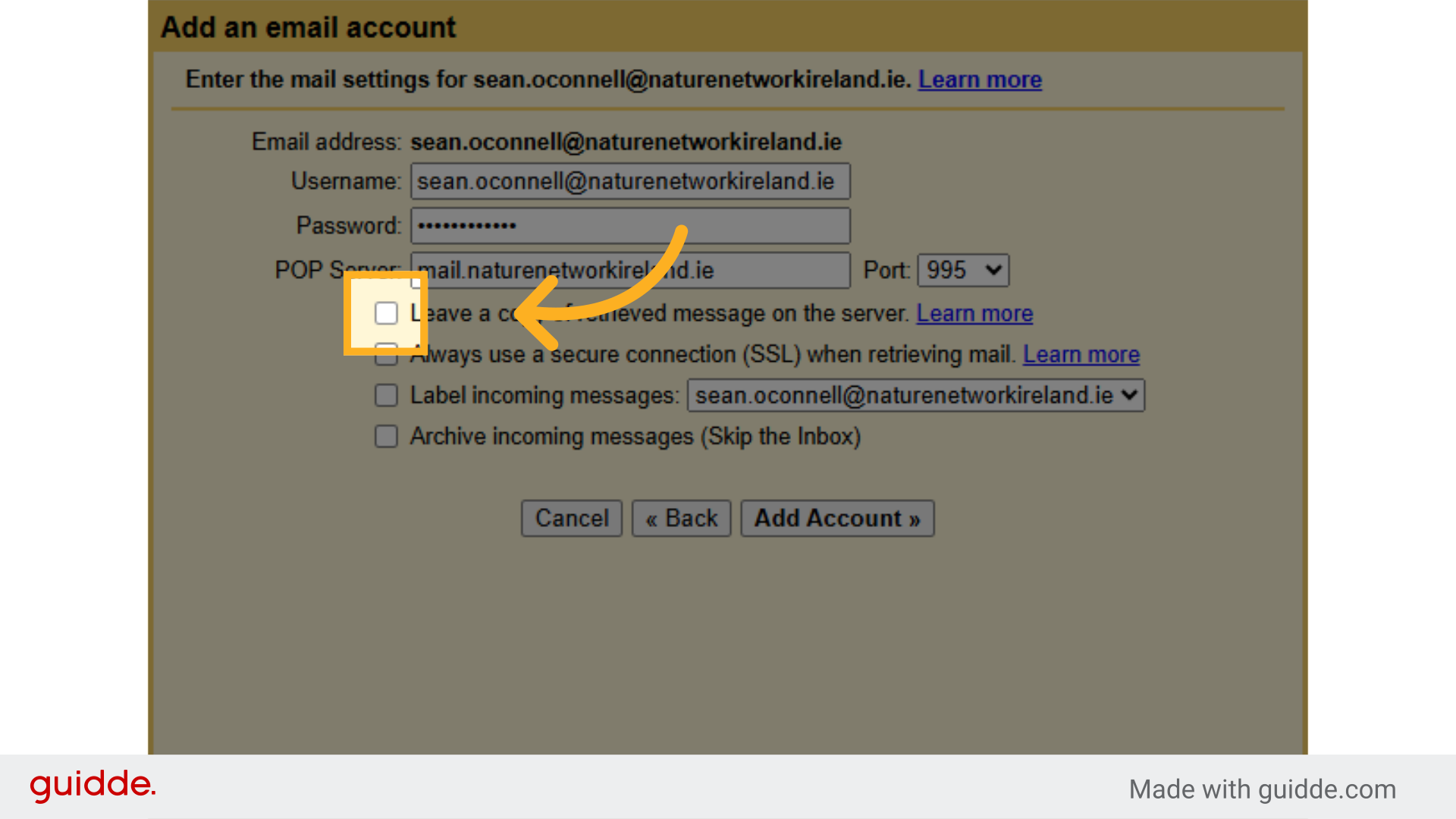
16. Check “Leave a copy of retrieved message on the server.”
Opt to “Leave a copy of retrieved message on the server.”
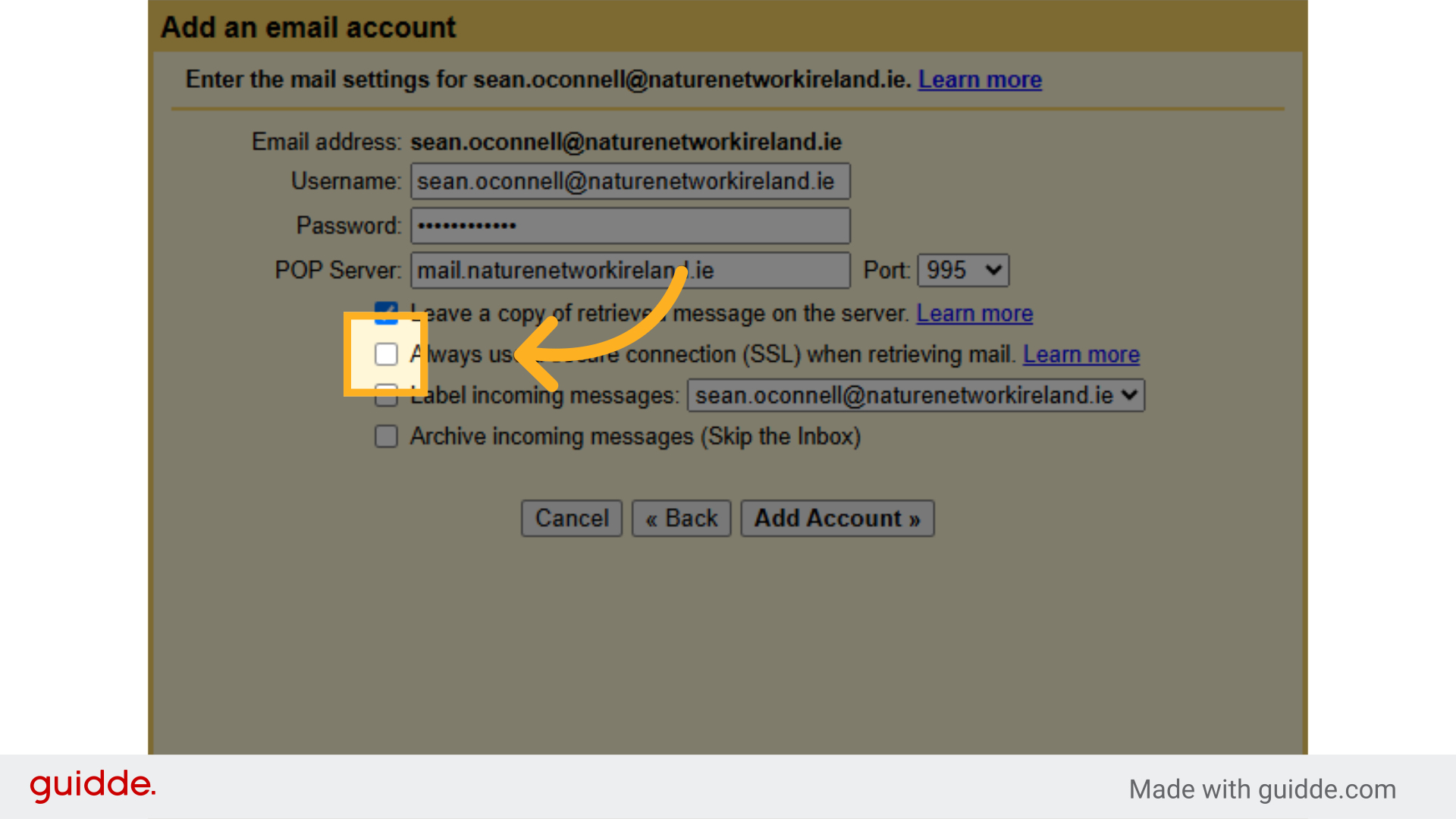
17. Check “Always use a secure connection (SSL) when retrieving mail.”
Choose the SSL connection option.
18. Check “Label incoming messages:”
Select “Label incoming messages”.
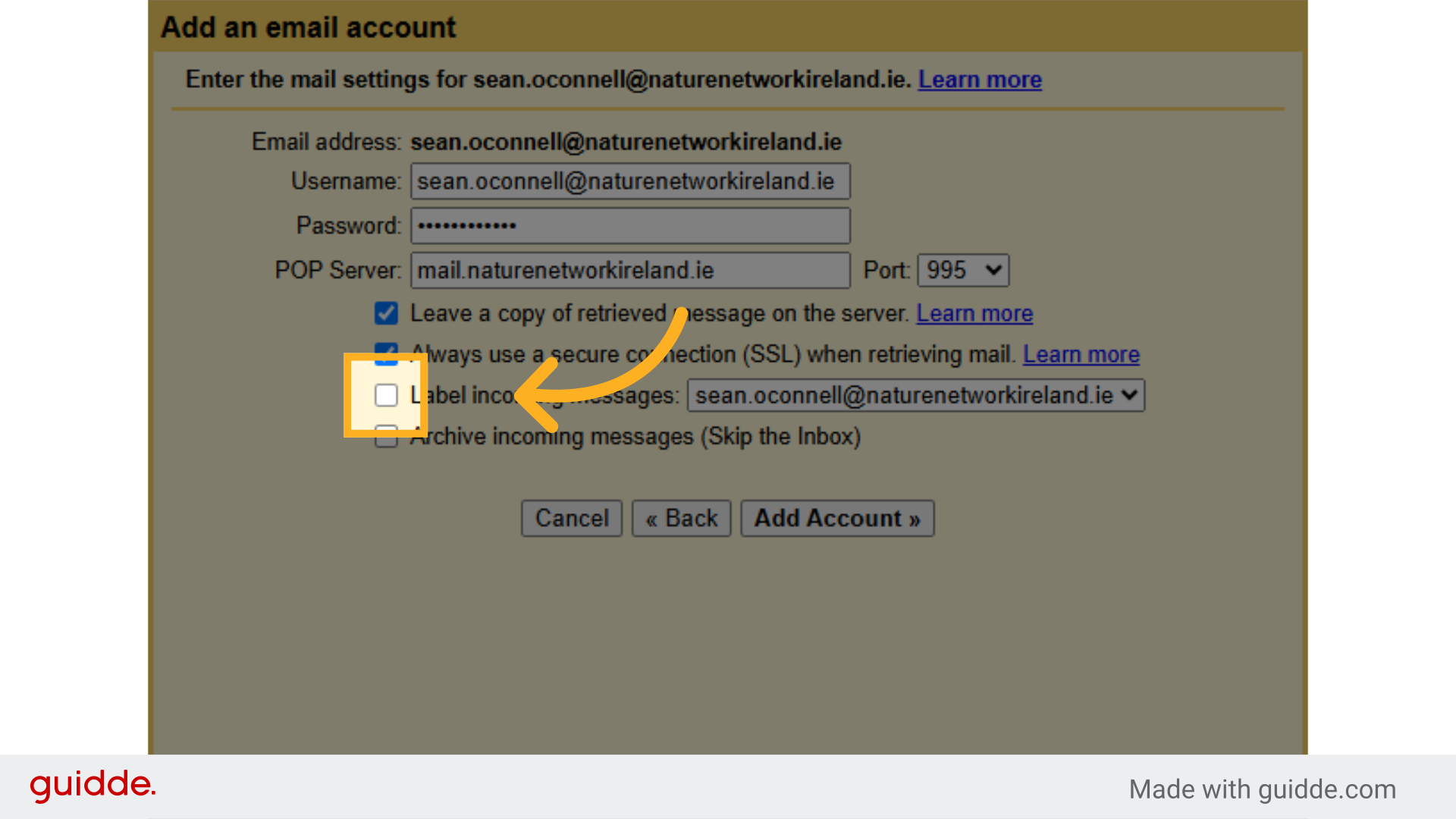
19. Click “Add Account »”
Proceed by clicking “Add Account »”.

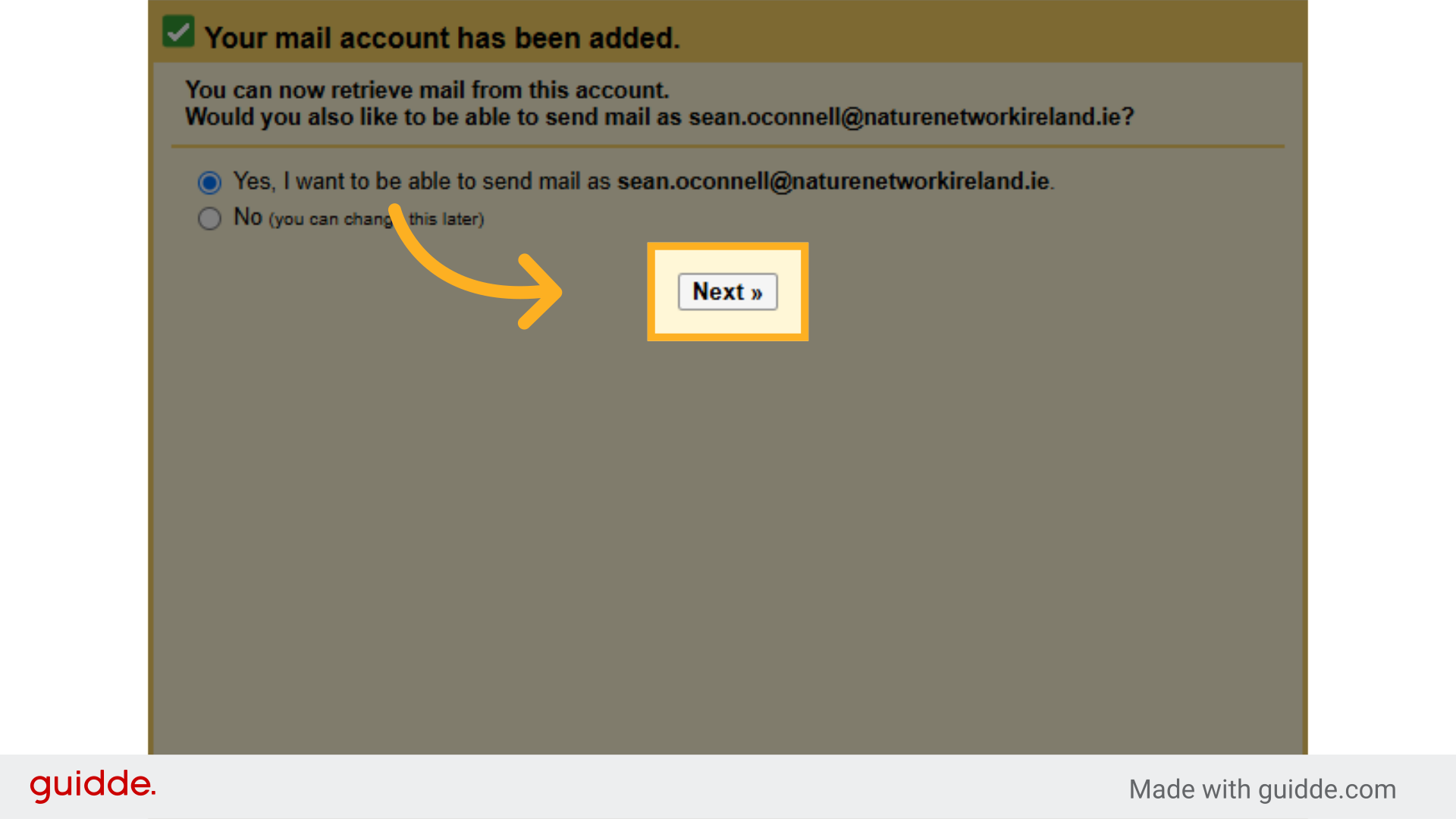
20. Check “Yes, I want to be able to send mail as @naturenetworkireland.ie.”
Select the option to send mail as specified.
 21. Click “Next »”
Proceed by clicking “Next »”.
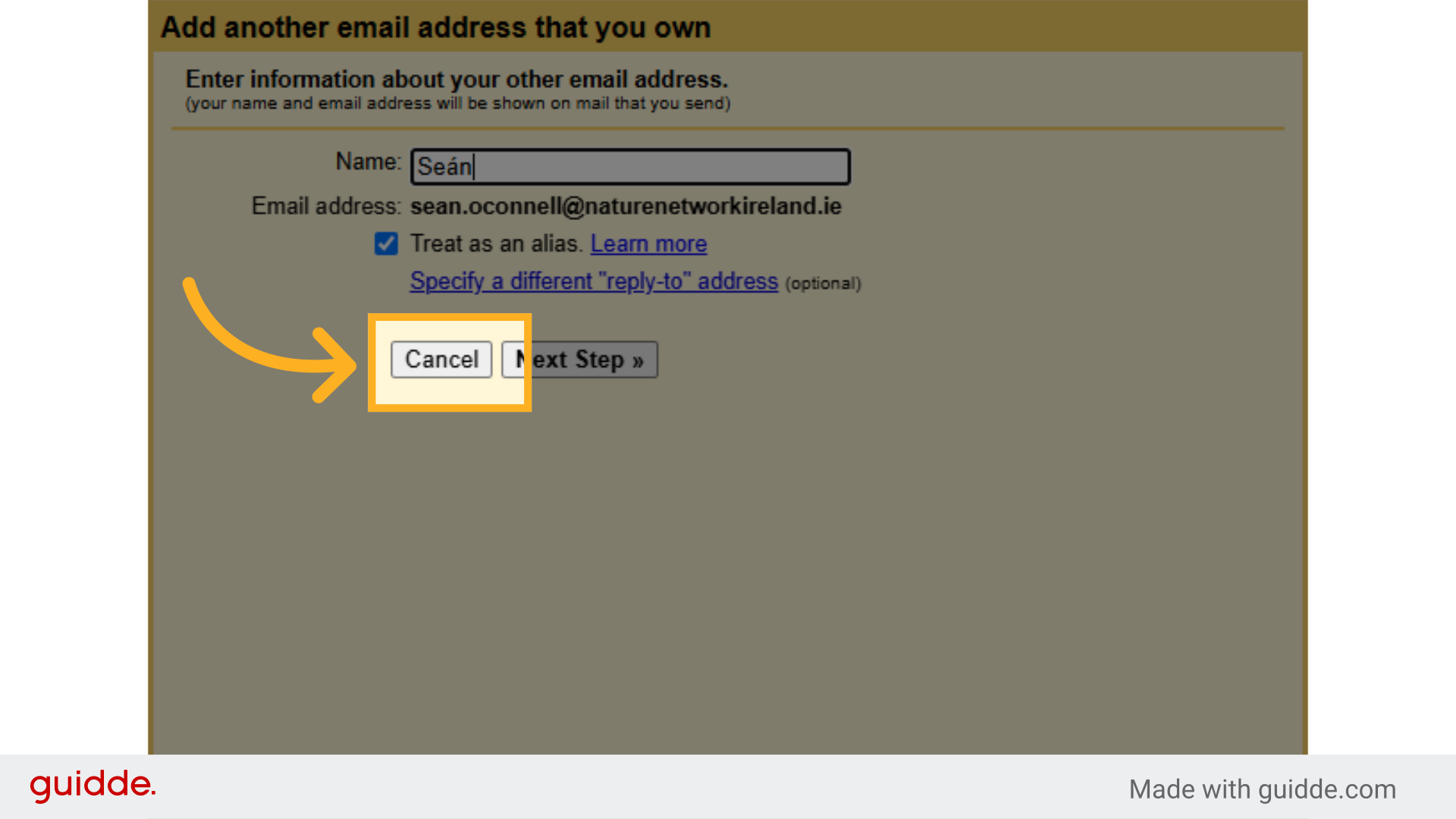
22. All done! You can click “Cancel”
Access the “Name” field.
This guide covered the steps to efficiently add a new email account to Gmail, facilitating a streamlined approach to managing multiple accounts within the platform.